


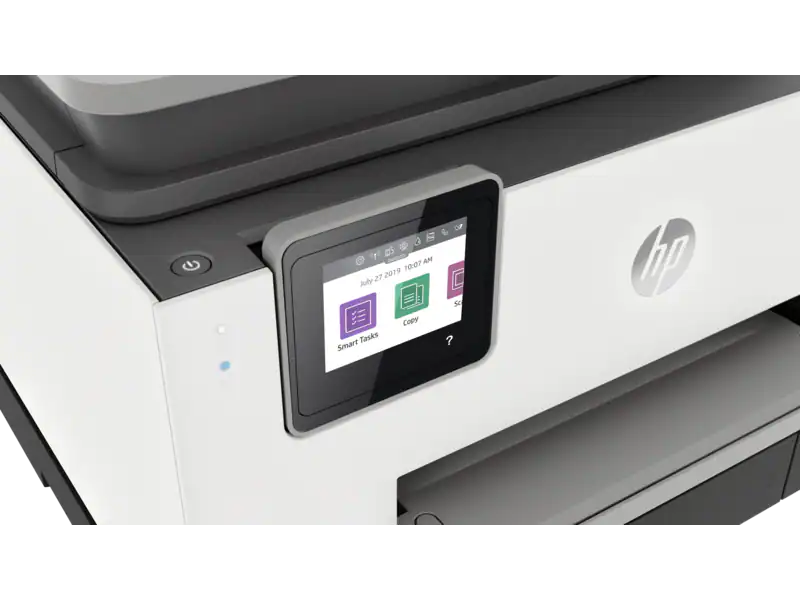
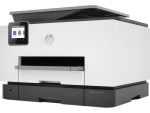
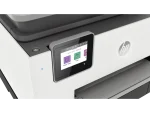
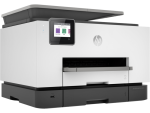
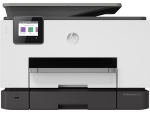


Customisable shortcuts on your phone or printer
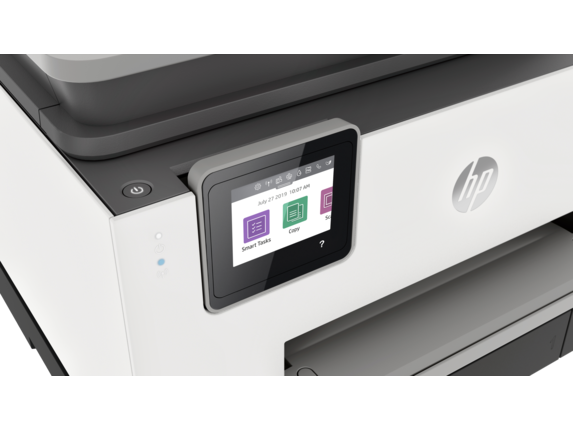
Eliminate steps in repetitive tasks with customisable shortcuts, using Smart Tasks. 5
Create editable, searchable documents
With Smart Tasks in HP Smart app, you can create editable, searchable documents by scanning from your phone or printer.
Two-sided, hands-free, auto-fed
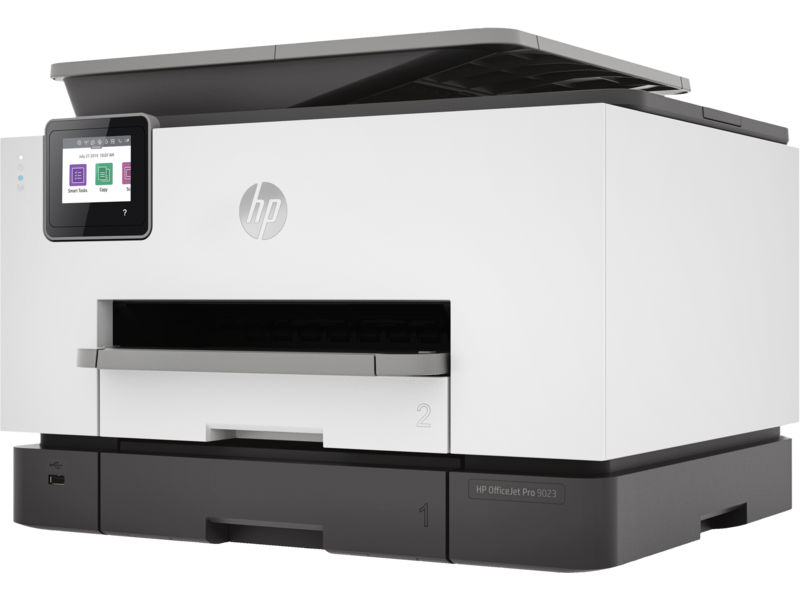
Work fast and hands-free with the 35-page auto-feeder. Quickly scan both sides of a page at once.
Print at high volumes with dual-tray capacity
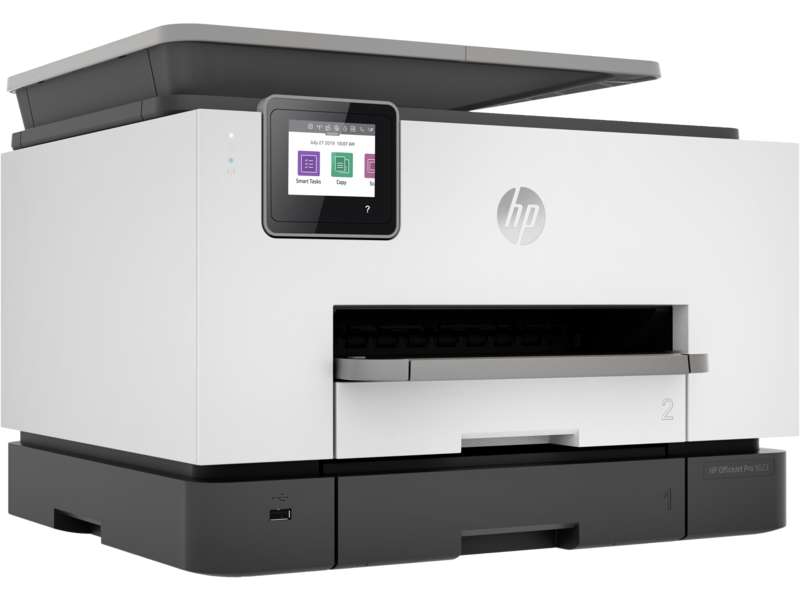
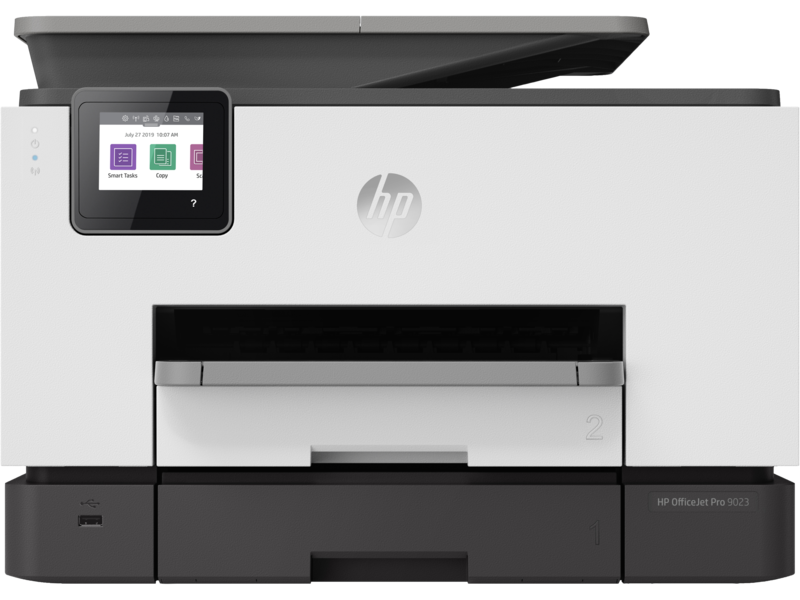
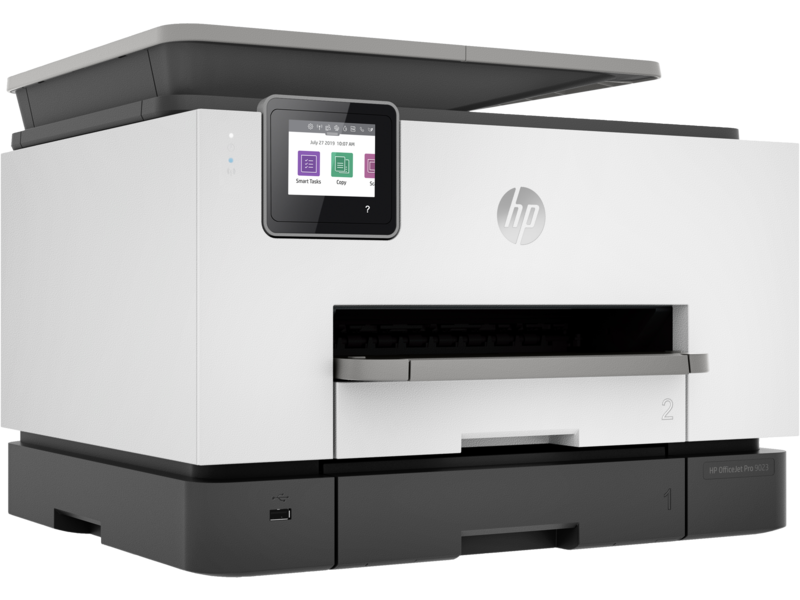
Take on high-volume jobs with confidence, using two 250-sheet paper trays that fit a full ream of paper.

Designed to save you time
Quickly scan both sides of page at once, and help save time with Smart Tasks shortcuts. 5 Even create editable, searchable documents from your phone or printer. 5
Freedom to work anywhere
Get work done wherever, whenever, and easily print, scan, and copy from your phone, using HP Smart – best-in-class mobile print app. 5
Best-in-class security, 6 reliable connections
Get best-in-class security to help maintain privacy and control, 6 and self-healing Wi-Fi™ that keeps you connected. 7
Ordering ink has never been easier
With the HP Smart app, you’ll get notifications when you’re running low on ink, and can easily order new ink. 5
Help save time with Smart Tasks, 1 one-pass, two-sided scanning and best-in-class security. 3
Customisable shortcuts on your phone or printer
Eliminate steps in repetitive tasks with customisable shortcuts, using Smart Tasks. 5
Create editable, searchable documents
With Smart Tasks in HP Smart app, you can create editable, searchable documents by scanning from your phone or printer.
Two-sided, hands-free, auto-fed
Work fast and hands-free with the 35-page auto-feeder. Quickly scan both sides of a page at once.
Print at high volumes with dual-tray capacity
Take on high-volume jobs with confidence, using two 250-sheet paper trays that fit a full ream of paper.
Tech specs
-
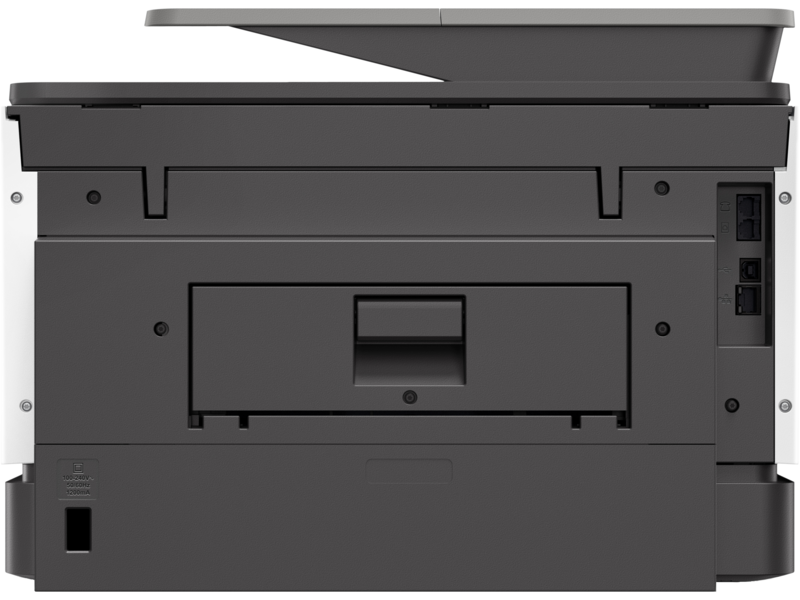
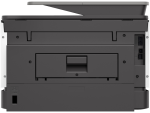
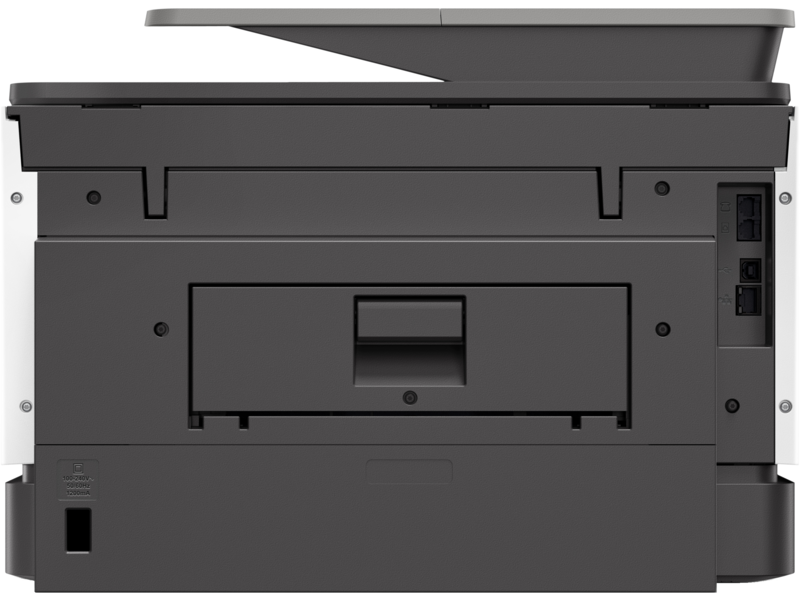
Connectivity, standard:1 USB 2.0; 1 Host USB; 1 Ethernet; 1 Wireless 802.11a/b/g/n; 2 RJ-11 modem ports
-
Mobile printing capability:Chrome OS; HP Smart app; Apple AirPrint™; Wi-Fi® Direct Printing; Mopria™ Certified 8
-
Duty cycle (monthly, A4):Up to 30,000 pages
-
Paper handling input, standard:250 sheet input tray; 250 Sheet Multipurpose Tray; 35 sheet ADF
-
Print technology:HP Thermal Inkjet
-
Borderless printing:Yes, on photo paper only, 210 x 297 mm (A4)
-
Scan resolution, optical:Up to 1200 dpi
-
Copy resolution (black text):Up to 600 dpi


